For worship musicians & live performers

Turn the page
without lifting
a finger.

MidiPdfView is a MIDI-controlled PDF sheet music reader for Windows and macOS. Connect any MIDI footswitch and perform your whole set without touching your device.

One-time purchase  ·  Windows & macOS  ·  No subscription.

MidiPdfView
Amazing Grace
How Great Thou Art
+3
Pages 2–3 / 6 ⟺ Width ⊡ Fit
MIDI pedal connected
scroll ↓

Everything a performer needs.
Nothing they don't.

Hands-Free Page Turning

Assign any MIDI CC or Note message to next page, previous page, next score, and more. Your hands never leave your instrument.

Full Set List at Once

Open every score for your service as tabs. Drag to reorder, tap to switch — your whole night's music is always one tap away.

Auto Dual-Page Landscape

Rotate your tablet and two pages appear side by side automatically. Portrait snaps back to single page. No settings to fiddle with.

Annotate Your Score

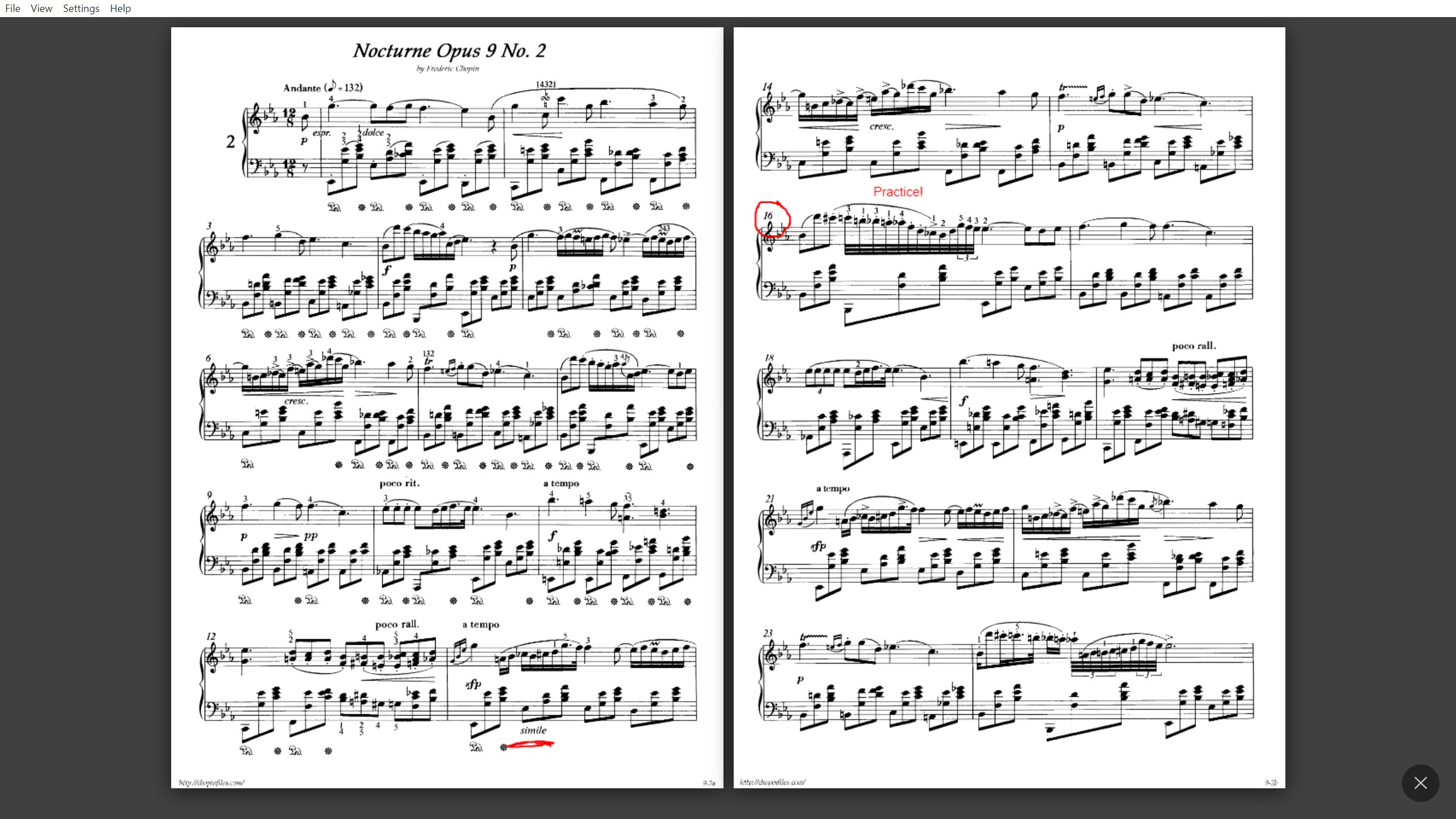
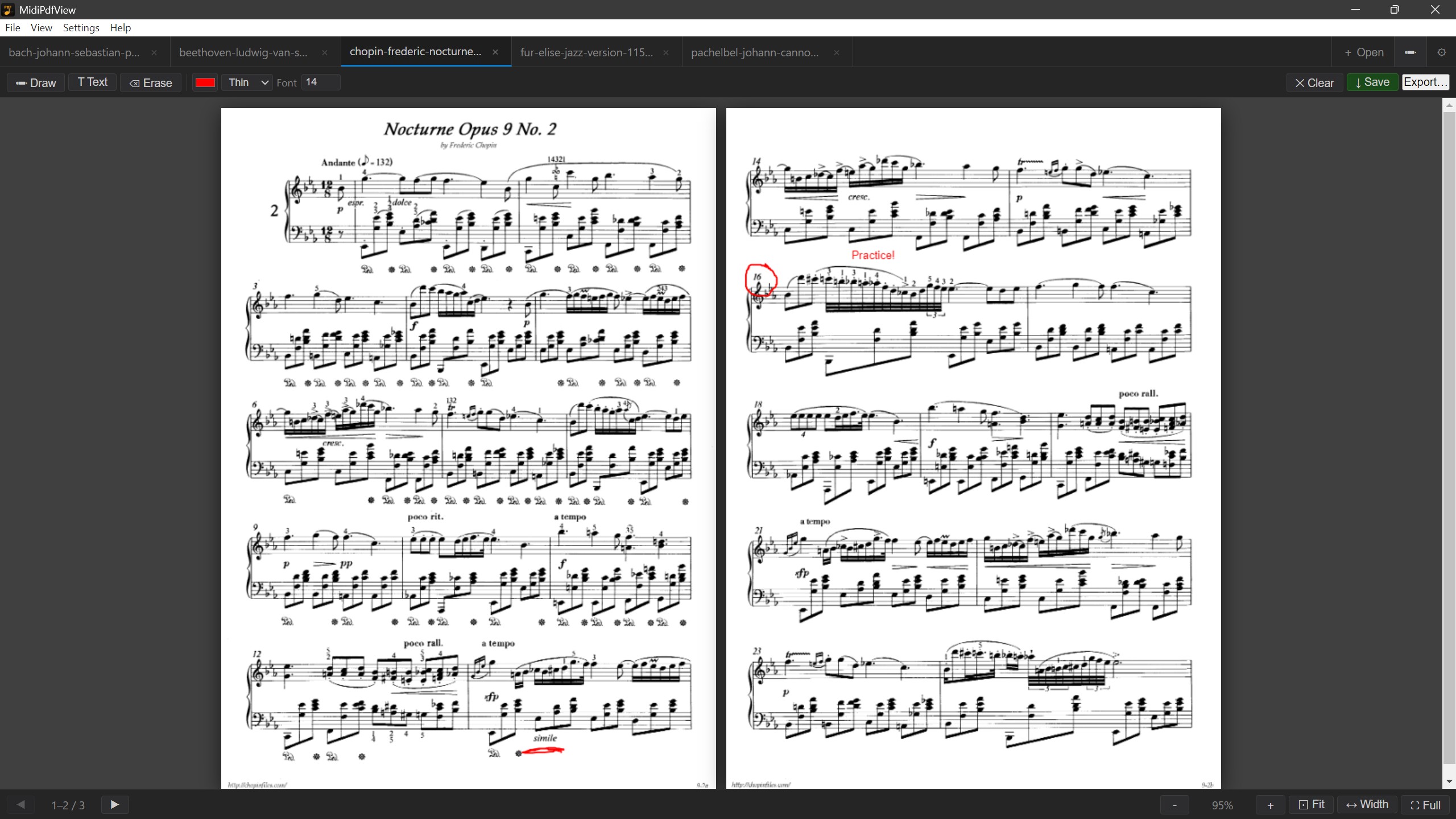
Mark breath marks, dynamics, and cues with the freehand pen. Add text notes, erase, and save annotations permanently into the PDF.

Smart Zoom

Fit the whole page on screen in one tap, or fill the width only and scroll vertically — ideal for portrait reading on a tall tablet.

Any MIDI Controller

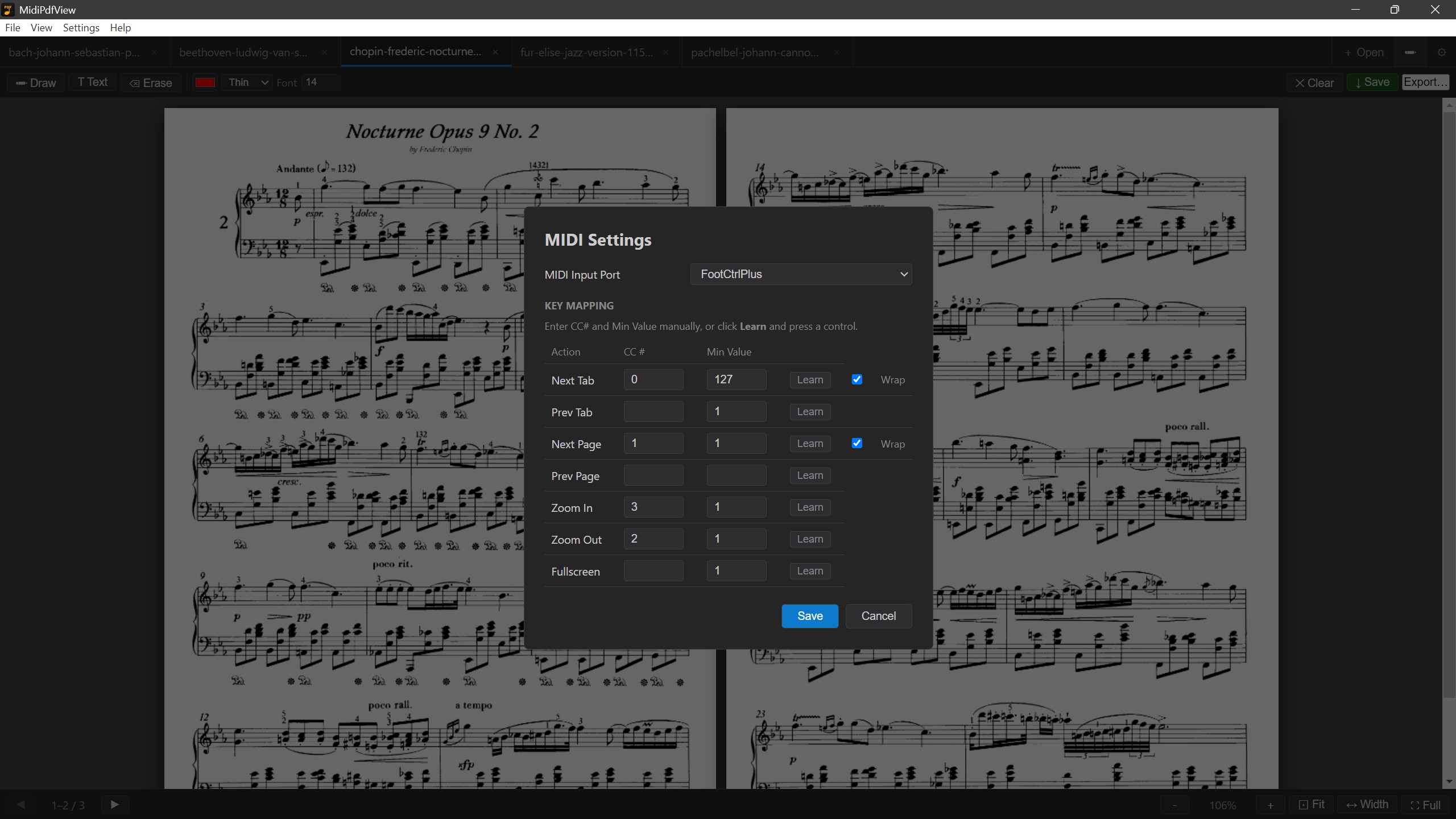
Works with any class-compliant USB MIDI device. MIDI Learn assigns your pedal's controls in seconds — no manual CC numbers needed.

Up and playing in three steps.

01

Open your PDFs

Drag your sheet music files onto the window or click Open. Each score gets its own tab in whatever order you set.

02

Plug in your pedal

Connect any USB MIDI footswitch. Open Settings, click Learn on any action, press the pedal. Mapped in under ten seconds.

03

Perform

Your eyes stay on the music. Your hands stay on your instrument. Your foot does the rest.

Works with the pedal you already have.

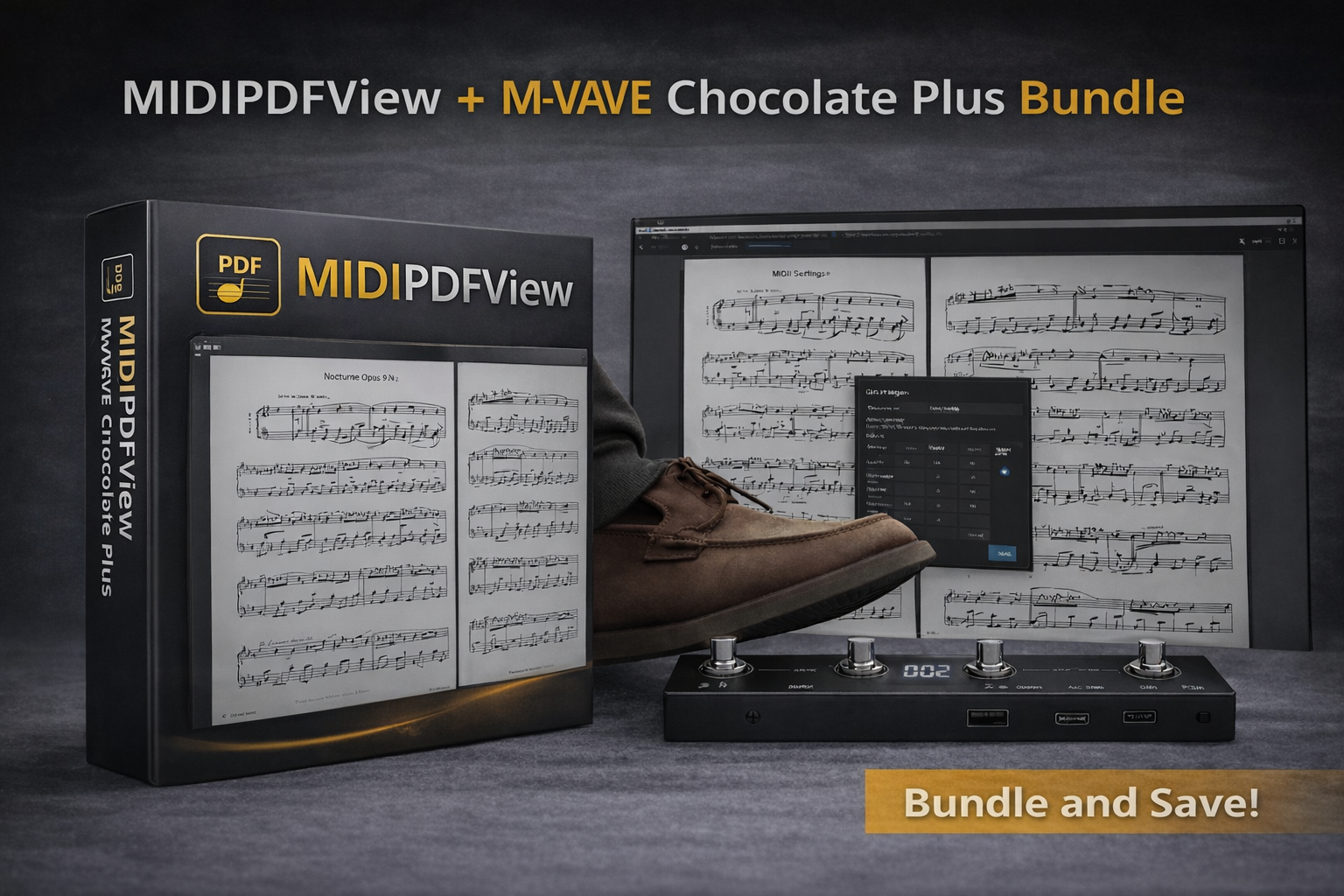
Any class-compliant USB MIDI device works out of the box — no drivers to install. Not sure which pedal to get? We carry the M-VAVE Chocolate — a compact, affordable USB MIDI pedal tested and verified to work perfectly with MidiPdfView. Grab the Starter Bundle and you'll be performing hands-free right out of the box.

🦶
MidiPdfView Starter Bundle Software license + M-VAVE Chocolate MIDI pedal, shipped to your door — $49.99 + shipping.
View Bundle →

Simple. One-time. Yours forever.

Trial
Free

Full-featured, no credit card. 30 days to decide.

  • All features unlocked
  • Unlimited PDFs & tabs
  • MIDI footswitch control
  • Annotations saved to PDF
  • Expires after 30 days
Download Trial

Windows & macOS

Starter Bundle
$49.99 + shipping

Software license + the M-VAVE Chocolate MIDI pedal. Everything you need, ready to go.

  • All Pro license features
  • M-VAVE Chocolate pedal included
  • Tested & verified compatible
  • Free updates, forever
  • Ships worldwide
Buy Bundle — $49.99

Physical item  ·  Usually ships within 3 business days

Questions?

What MIDI pedals does it work with?

Any USB class-compliant MIDI device that sends CC or Note On/Off messages works — including cheap single-pedal controllers. Use the built-in MIDI Learn to map your pedal in seconds. No manual CC numbers, no drivers to install.

Does it work on Windows tablets and Surface devices?

Yes — that's exactly what it was built for. The interface is optimized for touch: tap tabs to switch, drag them to reorder, and the toolbar buttons are sized for fingers. It supports portrait and landscape orientations with an automatic dual-page layout when you rotate.

Can I annotate scores and keep the markings?

Yes. Draw freehand markings, add text notes, and erase with your finger or stylus. When you're done, "Save PDF" writes your annotations permanently into the PDF file so they survive a reopen and are visible in any PDF reader.

Is there an iOS or Android version?

Not yet — MidiPdfView currently runs on Windows and macOS. Mobile versions are actively in development. Drop us your email if you'd like to be notified when they launch.